

A single take that must run past eight seconds
MiniMax H3 Max holds 5 to 15 seconds on this generator. Veo 3.1's published clips stop at 8 seconds, and reference-image mode is 8 seconds only.
Match the shot first: how long it must run, which reference files you have, and the size the finished clip needs to be. Then generate MiniMax H3 Max on this page.
On this site
Production preview
MiniMax H3 Max vs Veo 3.1 starts with the shot you need: how long it must run, which reference assets you have, and where the finished video will be shown. Compare those requirements before choosing a model.
H3 Max lets you generate with MiniMax H3 Max on this site. Veo 3.1 is included here for comparison and is not available in this generator. Specs below come from each model's published docs, with the date on the table.
MiniMax H3 Max column is this site's generator, checked 2026-09-18 against MiniMax's H3 Max table (2026-09-08). Veo 3.1 column is Google Cloud's Veo 3.1 model page, updated 2026-09-17, plus the Vertex reference-image guide.
| On H3 MaxMiniMax H3 MaxThe model you can run hereGenerate with MiniMax H3 Max | Veo 3.1Documented comparison — not on this generator | |
|---|---|---|
| Clip length | 5–15 seconds | 4, 6, or 8 seconds; reference-image mode is 8 seconds only |
| Resolution | 480P, 768P, 1080P on this site (768P is 1344×768). MiniMax's published H3 Max table lists 480P and 768P | 720p, 1080p, and 4K. 1080p is not available when extending a clip |
| Reference inputs | Up to 9 images, 3 clips, and 3 audio files | Up to 3 stills of one subject, or 1 style still — no reference video or audio files in Google's docs |
| Audio | Picture and sound in the same file; dialogue listed stable in 11 languages | Native sound generation; audio is not an input |
| Aspect ratio | 21:9, 16:9, 4:3, 1:1, 3:4, 9:16 for text to video | 16:9 and 9:16 |
| On this generator | Yes | No |
Four common briefs. MiniMax H3 Max vs Veo 3.1 is a fit on length, resolution, and reference files.
MiniMax H3 Max holds 5 to 15 seconds on this generator. Veo 3.1's published clips stop at 8 seconds, and reference-image mode is 8 seconds only.
Veo 3.1's 2026-09-17 docs list 720p, 1080p, and 4K, with 1080p unavailable when you extend a clip. This site returns MiniMax H3 Max at 480P, 768P, or 1080P for the full 5–15 second window.
Feed MiniMax H3 Max up to nine images, three clips, and three audio files here. Veo 3.1's asset-image mode takes up to three stills of one subject, or one style still, in an 8-second window.
Both models take a first frame and an optional last frame. Run that path on MiniMax H3 Max here; Veo 3.1 documents the same control on its own stack.
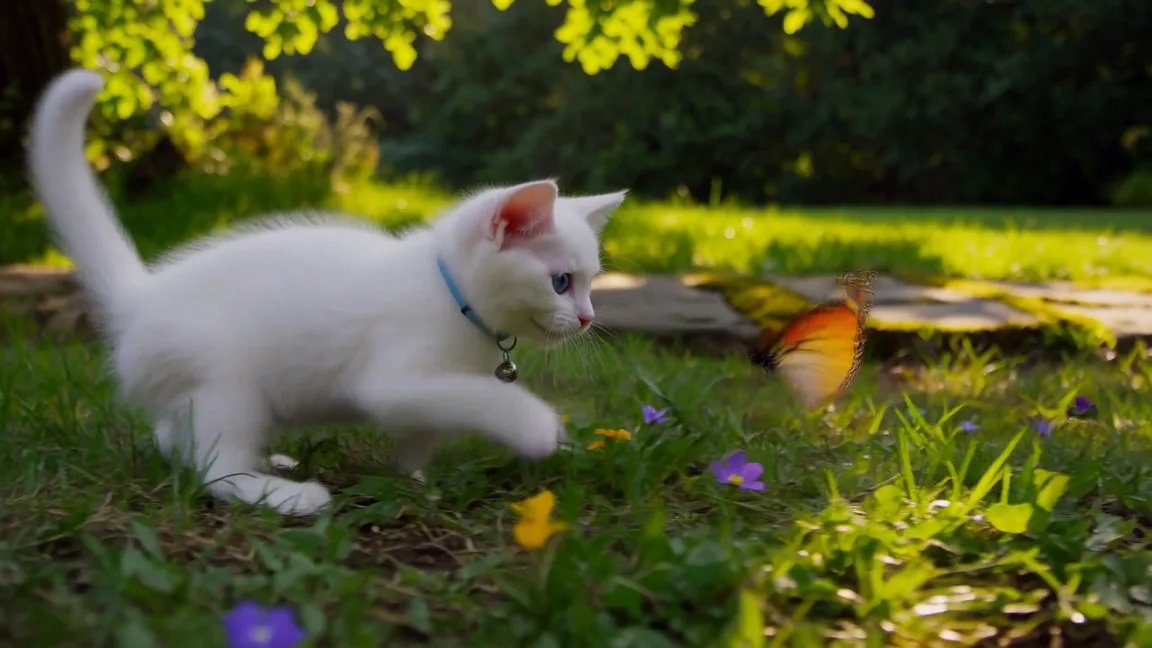
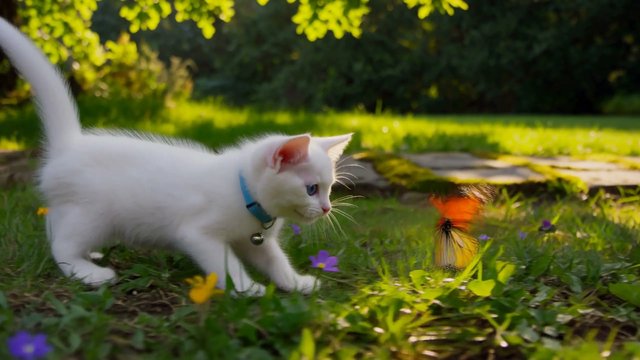
One official MiniMax sentence. The clip is MiniMax's published H3 Max example. If you run the same sentence on Veo 3.1 elsewhere, use the checklist on this page.
"A white kitten chases a butterfly across a sunlit garden. Gentle camera tracking, natural movement, soft afternoon light filtering through the leaves." Copy it into the generator above to run MiniMax H3 Max on this site.
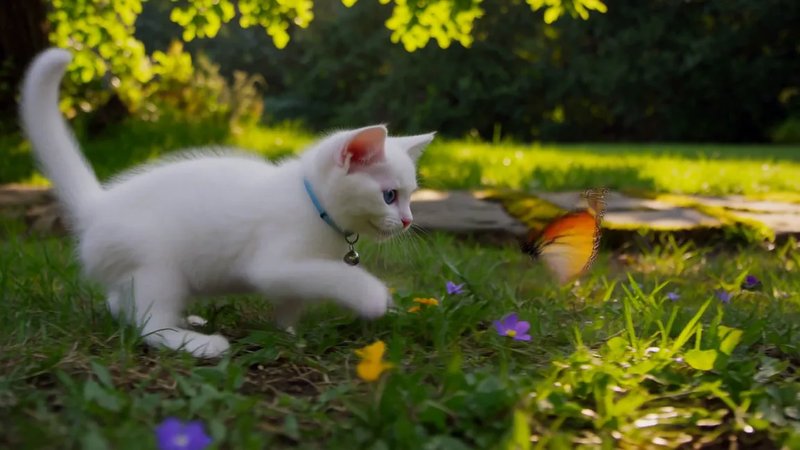
This is MiniMax's official sample. If you run the same sentence on Veo 3.1 elsewhere, check these yourself: does the kitten stay one animal; does the camera keep a gentle track; does the garden light hold; does the sound arrive in the same file.
No. The generator on this page runs MiniMax H3 Max. Veo 3.1 is compared using its documented capabilities; it is not offered by this site.
MiniMax H3 Max on this site: 5 to 15 seconds. Veo 3.1: 4, 6, or 8 seconds, and 8 seconds only in reference-image mode (Google Cloud Veo 3.1 docs, 2026-09-17).
This generator lists 480P, 768P, and 1080P for MiniMax H3 Max (768P is 1344×768 at 24 FPS). MiniMax's published H3 Max table lists 480P and 768P. Veo 3.1 lists 720p, 1080p, and 4K; 1080p is not available when extending a clip.
On MiniMax H3 Max here: up to nine images, three clips, and three audio files. Veo 3.1's published reference mode takes up to three stills of one subject, or one style still — Google's docs do not list reference video or audio files.
Yes for MiniMax H3 Max on this generator — picture and sound land in the same file, and MiniMax lists dialogue as stable in 11 languages. Veo 3.1 also generates native sound; audio is not an input on that model.
MiniMax H3 Max. Fifteen seconds is on the dial here. Veo 3.1's published clip lengths stop at 8 seconds.
This page does not rank picture quality. MiniMax H3 Max vs Veo 3.1 here is a fit on length, resolution, and reference files.
You do, on a paid plan, commercial use included. Clearing trademarks, likenesses, and copyrighted characters in the prompt is on you. Signup grants 15 credits; a 5-second 480P MiniMax H3 Max take is 35, so the first Max take needs a plan.
This page is MiniMax H3 Max vs Veo 3.1. The family page is H3 vs Max vs Turbo. Turbo is the cheaper draft lane on this site.
 Family
Who keeps 2K, who is the keeper lane on this site, who is the cheaper draft lane.
 Drafts
The cheaper draft lane. Hunt the opening, then finish the keeper on MiniMax H3 Max.
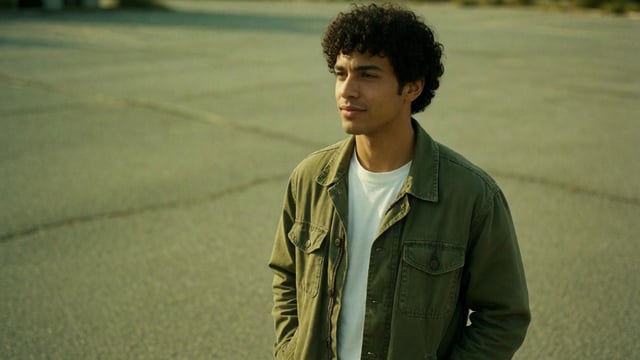 Reference
Feed up to 12 reference images, clips, and audio into MiniMax H3 Max on this site.
A sentence, a start frame, or a reference set in. A 5–15 second clip with sound back.