
MiniMax H3 Max Lip Sync: stills that speak your audio
You already have the face and the line. MiniMax H3 Max Lip Sync takes a still and the audio you supply, and returns a clip whose mouth movement follows that soundtrack.
Production preview

Stills that already speak
Three clips posted by @influencer_seo. Demos of MiniMax H3 Max Lip Sync, not generated on this site. Watch the mouth against the audio.
A presenter, any still, a soundtrack
Posted by @influencer_seo. A talking-head still driven by uploaded audio — one of the language demos in that thread. Credit @influencer_seo. Not generated on this site.

Another language, same job
Posted by @influencer_seo as a second language take of the same Lip Sync path: still plus audio in, talking clip out. Credit @influencer_seo. Not generated on this site.

A painting that talks
Posted by @influencer_seo as a historically accurate talking painting. The still is the painting; the mouth follows the soundtrack. Credit @influencer_seo. Not generated on this site.
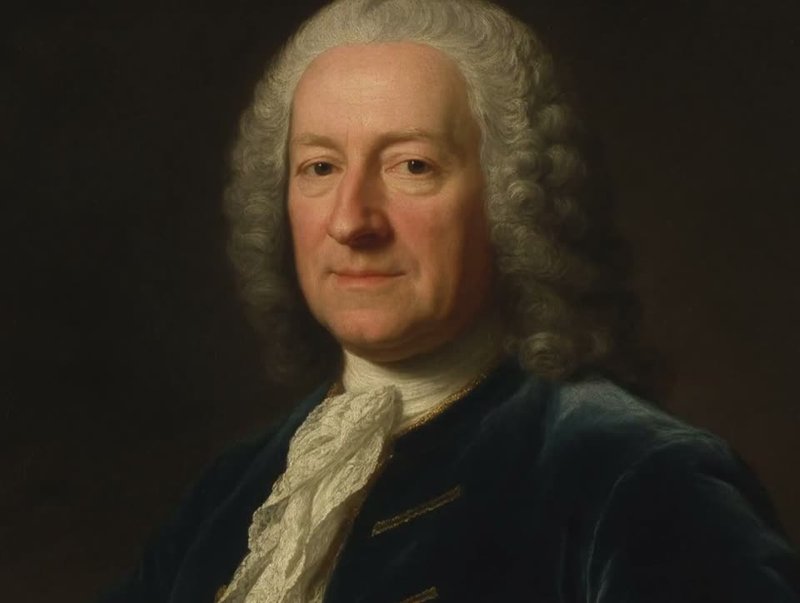
From this model's published examples
A still plus supplied audio in, a talking clip out. These are this model's example-gallery clips, not results from the generator on this page.
Still and audio, one clip back
From this model's published example gallery. A still is animated so the mouth follows the supplied soundtrack. Not generated on this site.
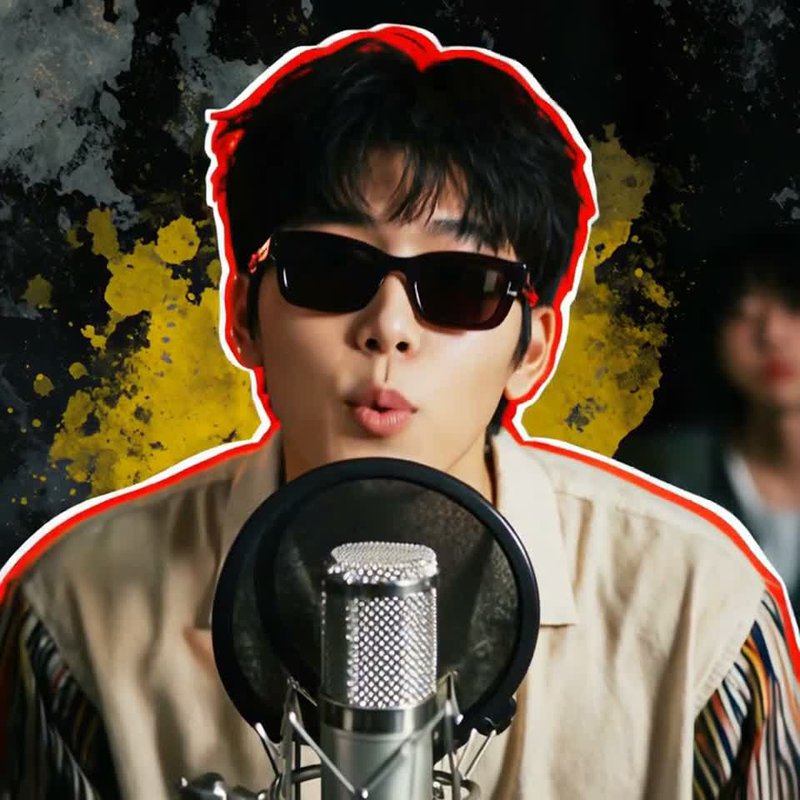
Same input shape, another take
From this model's published example gallery. Same job as the clip above: still plus audio, talking clip out. Not generated on this site.
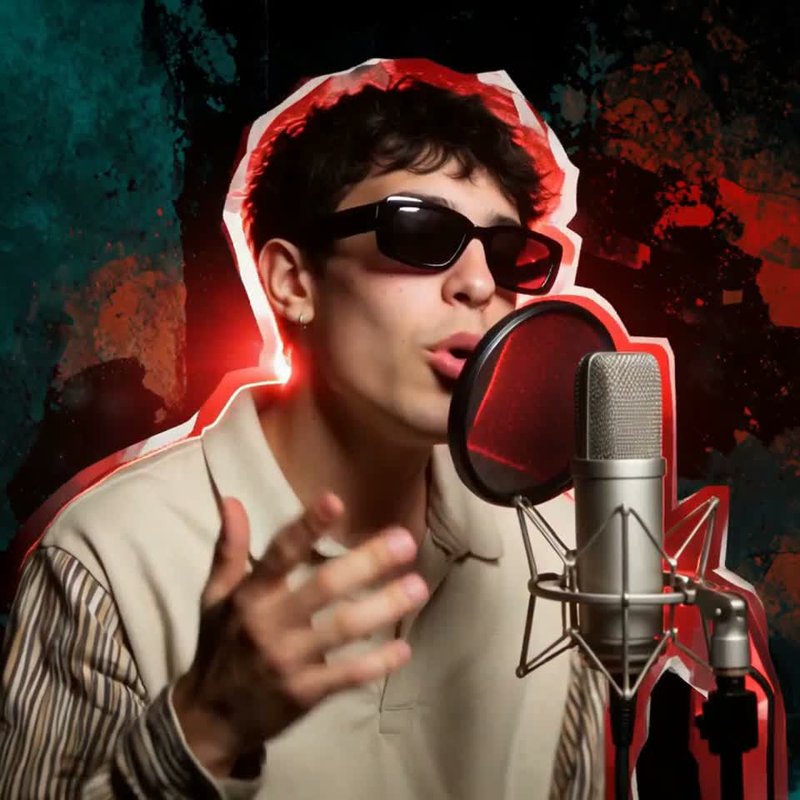
A third gallery take
From this model's published example gallery. Use it to see another still driven by a soundtrack, not as a result from this page. Not generated on this site.
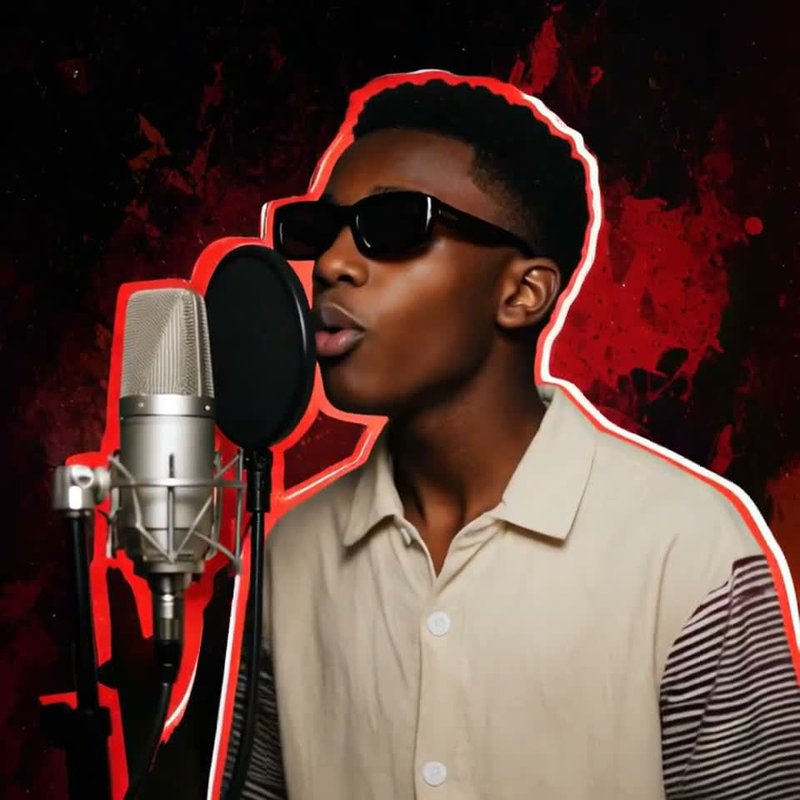
Your audio, or a written line?
Three jobs on this site look similar and are not the same input. If the soundtrack already exists, this is the page. If you still need the model to write the voice, leave it.
Still plus your recording
MiniMax H3 Max Lip Sync. There is no prompt. The mouth follows the soundtrack you uploaded.
Still plus a line you write
MiniMax H3 Max image-to-video on the homepage generator. Write the spoken line in the prompt and the voice arrives with the picture.
References plus a prompt
MiniMax H3 Max Reference to Video. Carry a face, a clip, or a voice into a new scene — you still write the prompt.
How to run MiniMax H3 Max Lip Sync
- 1
Upload the still
A visible mouth helps. The clip follows the still's frame.
- 2
Upload the audio
At least five seconds. Anything past about 15 seconds is clipped to the start. The finished clip is as long as that clipped audio.
- 3
Pick a resolution and generate
480P, 768P, or 1080P. 480P is enough to check the mouth. Finish the keeper at 768P or 1080P.
Length, frame, credits
Length comes from the audio, not from a duration slider.
Five seconds to about 15
Five seconds is the floor. About 15 seconds is the cap. The clip matches the audio you send.
480P, 768P, or 1080P
Same three sizes as MiniMax H3 Max on this site. 480P to check the mouth; 768P or 1080P for the keeper.
Same credits as MiniMax H3 Max
7 credits a second at 480P, 15 at 768P, 30 at 1080P. A five-second 480P run is 35 credits.
Paid-plan clips are yours
Commercial use included on a paid plan. You still clear the likeness in the still and the rights in the soundtrack.
Before you upload the still
Upload audio. MiniMax H3 Max Lip Sync reads the still and the soundtrack you provide. If you want the model to invent the spoken line, use MiniMax H3 Max image-to-video and put the line in the prompt.
As long as the audio you upload, at least five seconds. Audio past about 15 seconds is clipped to the start.
480P, 768P, or 1080P.
The same per-second table as MiniMax H3 Max: 7 credits at 480P, 15 at 768P, 30 at 1080P. Five seconds at 480P is 35 credits.
A visible mouth is the useful check. A painting can work — one of the demos is a talking painting — but the mouth has to be in the frame.
No. That path invents the spoken line. This path uses the audio you already have.
Clips generated on a paid plan are yours, commercial use included. You still clear the likeness and the soundtrack.
More ways to create
Faster drafts, reference packs, or camera moves — each is a different input from a still plus your audio.
MiniMax H3 Max Turbo
Faster drafts from a sentence or a start frame, with sound already in the file.
MiniMax H3 Max Reference to Video
Carry a subject, style, or voice into a new scene — you still write the prompt.
MiniMax H3 Max Camera Controls
Write the camera move, or pick a preset. For the frame, not the mouth.
What a Lip Sync run costs here
480P is 7 credits a second, 768P is 15, and 1080P is 30 — the same table as MiniMax H3 Max. A 5-second 480P run is 35 credits.
Enjoy Limited-Time 30% OFF!
You already have the face and the line.
Drop the still and the audio into the generator on this page. The mouth follows that soundtrack.