
TL;DR
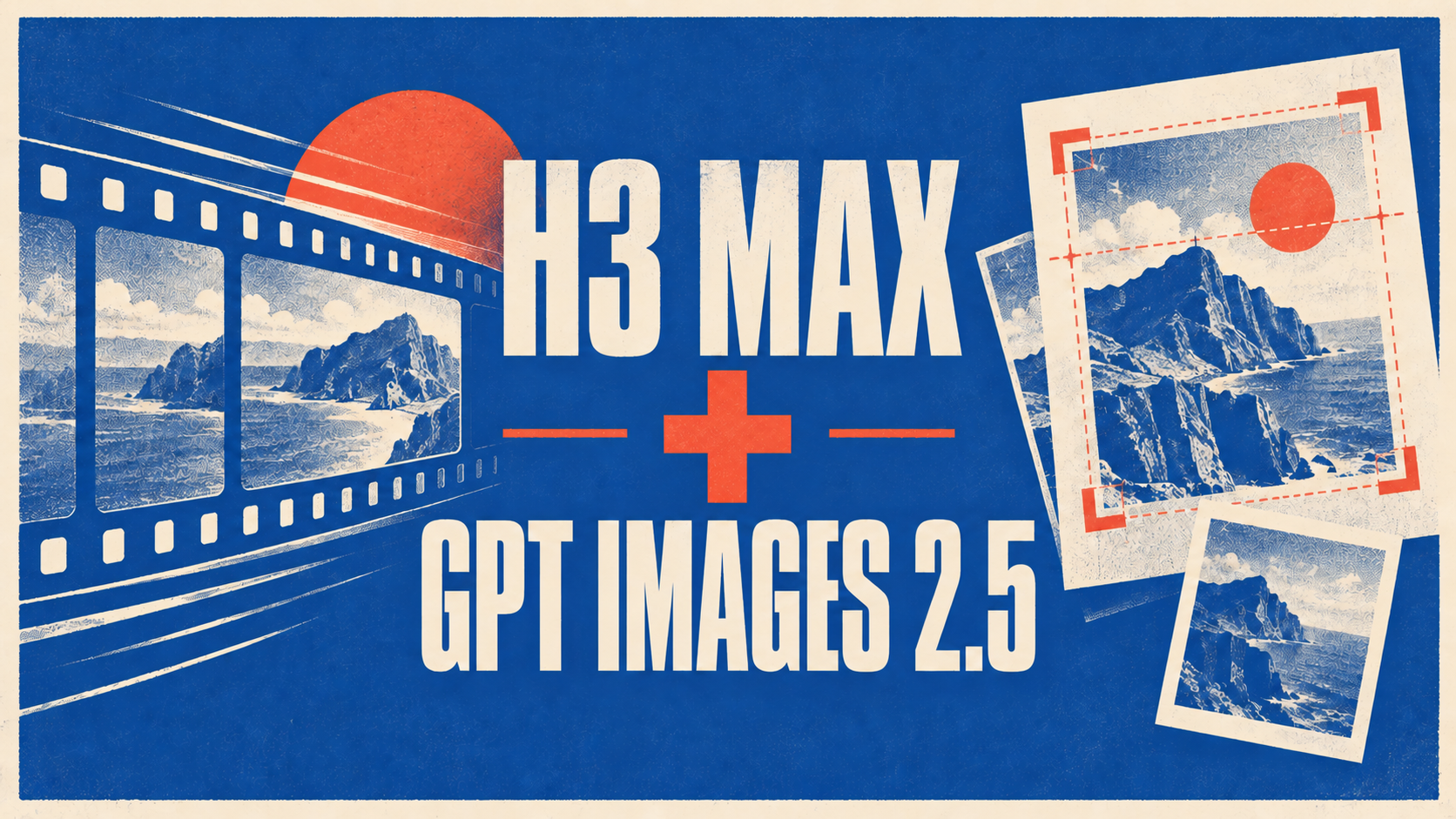
Use GPT Images 2.5 and H3 Max as two stages of one creative job:
- Use GPT Images 2.5 to settle the subject, composition, readable words, and the details that must survive into the next shot.
- Download or export that still.
- Upload the still to H3 Max and describe the movement, camera direction, timing, and sound.
- Review the first take against the source still, then revise the stage that actually failed.
This is a manual handoff between separate product surfaces, not a direct integration. GPT Images 2.5 gives you a still to inspect. H3 Max turns a prompt or start frame into a 5–15-second clip with synced audio on the current h3max.ai surface.
The example throughout this guide is a hypothetical product teaser: a fictional amber bottle, a readable label, and one short camera move. The prompts are reusable patterns, not a claim that these exact words were run as a measured test.
Give each model one clear job
A two-model workflow becomes difficult when both models are asked to solve the whole brief at once. Split the work by the thing the audience will judge.
| Stage | Input | Output | Acceptance check |
|---|---|---|---|
| Still design | Product or scene brief, reference photo if needed, exact words | One still at a useful resolution | The label, subject, layout, and reference details are correct |
| Motion design | Approved still, movement and camera brief | A 5–15-second H3 Max take | The first frame, subject identity, movement, camera path, and audio fit |
| Revision | The failed output plus the original brief | A new still or video take | Only the stage that failed has changed |
This division gives the workflow a useful debugging rule. If the label is wrong, return to the image stage. If the label is right but the bottle floats or the camera ignores the brief, keep the still and rewrite the motion instruction. If the handoff changes the subject immediately, inspect the source file and the start-frame instruction before changing the whole concept.
Start with a handoff brief
Before opening either generator, write down what the still must establish and what the clip must add. A short handoff brief can be more precise than one giant prompt.
Example brief: fictional amber-bottle launch teaser
- Final asset: a short product teaser for a landing page.
- Still must establish: one unbranded amber bottle, centered on a pale stone surface, a fictional label reading “NORTH STAR,” clean edges, and enough surrounding space for the opening composition.
- Motion must add: a slow push-in, a small turn of the bottle toward the light, a stable background, and a restrained glass-and-room tone.
- Must not change: the bottle silhouette, label wording, center position, or warm color.
- First pass: one still, then a 5-second H3 Max take at a draft resolution.
- Keep decision: do not move to a larger video render until the subject and motion beat are acceptable.
The still stage answers “What is on screen?” The video stage answers “What changes, and when?” Keeping those questions separate makes the second prompt shorter and makes each failed result easier to diagnose.
Step 1: Build the reference still in GPT Images 2.5
GPT Images 2.5 on images-25.com accepts a text prompt or an uploaded photo and returns a still you can download at 1K, 2K, or 4K. Flare is the everyday starting point on that site; Sunburst fits a deliberate edit when the same subject needs more than one controlled pass.
For the fictional bottle, begin with the smallest brief that protects the important details:
A clean studio product still of one unbranded amber glass bottle on a pale stone surface, centered composition, warm window light from the left, a fictional cream label that clearly reads “NORTH STAR,” generous space around the bottle, quiet premium launch photography, no extra objects, no extra words.
If you already have a product photo, upload it and describe one change at a time. For example:
Keep the bottle shape, label wording, cap, and camera angle. Replace the background with a pale stone studio surface and add warm window light from the left. Do not add a second bottle or new text.
The first output is useful only after inspection. Zoom into the label, edges, cap, reflections, and background. Check that the subject is centered enough for the planned camera move. If the still fails, stay in this stage: use Flare for a new direction or Sunburst when the next pass is a focused edit on the same subject. Do not ask H3 Max to repair a misspelled label that the audience needs to read.
Choose the resolution for the job, not by habit. A 1K still is a practical direction pass; a 2K or 4K version can be a separate generation when the composition is ready for a larger file. Review the new resolution as its own output before handing it to the video stage.
Step 2: Prepare the file for a manual handoff
Download the approved still and keep the original brief beside it. The file transfer is intentionally simple:
- Save the still with a version name, such as
north-star-still-v03. - Keep the exact text and “must not change” list in a note.
- Open the H3 Max generator and upload that still as the start frame.
- Do not silently crop or retouch the file between stages; if you change the source, record the change.
The products do not share hidden state. H3 Max cannot know which parts of the image GPT Images 2.5 was asked to preserve unless the still and the motion prompt make that visible. A clean filename does not create integration, either; the handoff is a file moving from one surface to another.
Step 3: Direct the moving take in H3 Max
On h3max.ai, a prompt or single start frame can become a 5–15-second MiniMax H3 Max video. The current generator offers 480P, 768P, and 1080P controls, and the returned clip carries synced audio. Use a short draft first so the motion decision is inexpensive to evaluate.
For the still above, the first motion brief could be:
5-second product teaser. Keep the amber bottle centered and keep the “NORTH STAR” label readable. Begin with the supplied still. Move the camera slowly toward the bottle while the bottle turns slightly toward the warm window light. Keep the pale stone background stable. Add a quiet glass movement and room tone. No new objects, no extra lettering, no sudden camera shake.
The prompt does not need to repeat every visual fact from the still. It needs to describe the change: movement, camera, timing, and sound. If the shot must land on a known final composition, add an end frame when that control is available and verify the landing rather than assuming it held.
For iteration, start with a short 480P take when that is the current control you want to test. When the motion is working, re-run the chosen take at the resolution your delivery needs. A larger render is not a substitute for fixing a weak camera instruction.
Step 4: Compare the take with the still
The most useful review is not a general feeling that the video looks good. Check the handoff in order:
- Opening frame: Does the video begin from the supplied composition, or did the subject move before the action started?
- Identity: Are the bottle silhouette, cap, label, and color still recognizable?
- Motion: Is there one clear camera or subject movement, or did several instructions compete?
- Continuity: Do edges, reflections, hands, and background stay plausible while the subject moves?
- Audio: Is the synced sound appropriate for the brief, and does it arrive with the action?
- Landing: If an end frame was supplied, does the take reach it cleanly?
Use the failure to choose the next stage:
| What failed | Return to | Next change |
|---|---|---|
| Words, layout, or source subject | GPT Images 2.5 | Fix the still or make the preservation instruction clearer |
| Subject is correct, but movement is weak | H3 Max | Use one action and one camera path with a defined duration |
| First frame is close, but the shot drifts | H3 Max and the handoff note | Repeat the preserved details and remove competing motion |
| Still and take are both plausible, but the project brief is vague | The brief | Decide what the viewer must notice before generating again |
This loop prevents a common waste: regenerating the still when the real problem is an overloaded motion prompt.
What the public signals establish
The names matter because the two stages have different jobs.
MiniMax's official July 31, 2026 H3 launch post describes the H3 family. In an August 29, 2026 X post, the official @MiniMax_AI account says its open-weight H3 was adapted by a partner and credits post-training and inference work. That supports describing H3 Max as a tuned or post-trained H3 derivative. It does not establish that H3 Max is the same model name, a public MiniMax checkpoint, or a guarantee about every take.
OpenAI's September 8, 2026 announcement uses ChatGPT Images 2.5 for the consumer-facing product and names GPT-Image-2.5 Flare and GPT-Image-2.5 Sunburst for API use. The official @OpenAI X post is an announcement signal, not evidence that OpenAI's product is connected to H3 Max.
A community post can help you find a test worth running. For example, @DesignArena's August 26, 2026 X post discusses H3 Max quality and speed observations. Treat that as a dated community benchmark snapshot, not as a result for your product, prompt, host, resolution, or account. The two-stage workflow still needs a run on the brief you actually care about.
FAQ
Do GPT Images 2.5 and H3 Max connect directly?
No direct connection is established here. Create or edit the still, download it, upload it to H3 Max, and provide the motion brief. That manual handoff is enough to make the models useful together without claiming a shared pipeline.
Should I use Flare or Sunburst before H3 Max?
Use Flare when you are finding the first composition or making an everyday still. Use Sunburst when the same subject needs a deliberate edit across more than one pass. In either case, inspect the still before uploading it; the video stage cannot make an unapproved source correct.
Is H3 Max the same as MiniMax H3?
No. The public evidence supports “tuned” or “post-trained derivative” as a careful description. Keep the names separate and judge the actual H3 Max take from the current generator.
What should I change when the handoff fails?
Change one layer at a time. Fix the still if words, layout, or subject identity are wrong. Keep the still and rewrite the H3 Max motion prompt if the opening image is right but the action or camera is wrong. If the brief itself is ambiguous, decide the required first and last visual states before generating again.
Bottom line
GPT Images 2.5 and H3 Max work well as a sequence when the creative job has two different moments: first make a still that can survive inspection, then ask for motion that respects it. Keep the file handoff explicit, keep the preservation list beside the motion prompt, and let each review tell you which stage needs another pass.